how to make digital planners to sell: 7 Critical Steps to Build a Profitable Etsy Shop in 2026
- how to make digital planners to sell: 7 Critical Steps to Build a Profitable Etsy Shop in 2026
- 📋 Key Takeaways
- Table of Contents
- 1. Why Digital Planners Are the Ultimate Etsy Goldmine in 2026
- The Power of 95% Profit Margins
- The Shift Toward Paperless Organization
- 2. Finding Your Profitable Niche: What Buyers Actually Want
- Top Trending Niches for 2026
- Creating an Ideal Customer Avatar
- 3. Essential Tools: What You Need to Create Your Planners
- Canva: The Beginner's Best Friend
- Apple Keynote: The Hidden Gem
- Affinity Publisher & Adobe InDesign: For the Pros
- 4. Step-by-Step: How to Make Digital Planners to Sell
- Step 1: Set Up Your Document Size
- Step 2: Design the Base and Tabs
- Step 3: Adding Hyperlinks (The Secret Sauce)
- 5. Testing and Compressing Your Digital Files
- The 20MB Etsy Limit
- The "Start Here" Document Strategy
- 6. Etsy SEO, Mockups, and Pricing Strategy
- Creating Scroll-Stopping Mockups
- Optimizing Your Titles and Tags (Etsy SEO)
- Pricing Your Digital Planner
- 7. Marketing Your Digital Planners Beyond Etsy
- Pinterest: The Visual Search Engine
- TikTok and Instagram Reels
- Conclusion: Start Your Digital Empire Today
- Frequently Asked Questions (FAQ)
- Do I need an iPad to create a digital planner?
- Can I use Canva's free elements to sell my planner?
- How much money can I really make selling digital planners?
- What is the difference between a digital planner and a printable planner?
- What happens if a customer doesn't know how to use the planner?
- Is the digital planner market too saturated in 2026?
Imagine waking up, grabbing your morning coffee, and checking your phone only to see five new Etsy sale notifications. The best part? You didn’t have to pack a single box, print a single shipping label, or worry about inventory running out. That is the undeniable magic of digital products. If you are wondering how to make digital planners to sell, you are stepping into one of the most lucrative and scalable passive income streams available today.
In 2026, the demand for digital organization tools is skyrocketing. With the global digital planner market projected to reach a staggering $7.05 billion by 2033, there has never been a better time to claim your slice of the pie. But let’s be real—uploading a generic PDF won’t cut it anymore. To succeed, you need a strategy. In this comprehensive guide, we will break down exactly how to make digital planners to sell, from finding a hyper-profitable niche and designing interactive hyperlinks, to mastering Etsy SEO and pricing your products for maximum profit.
📋 Key Takeaways
- The Market is Booming: The digital planner industry is growing rapidly, fueled by iPad users and apps like Goodnotes and Notability.
- Niche Down to Stand Out: Generic planners struggle. Success in 2026 comes from targeting specific needs like ADHD management, freelancer finance, or AI productivity.
- Hyperlinks are Essential: A true digital planner isn’t just a PDF; it requires clickable tabs for seamless navigation.
- 95% Profit Margins: Once the initial design is done, every sale is nearly pure profit with zero shipping costs.
- Etsy SEO is Your Best Friend: Optimizing your titles, tags, and listing images is critical to getting found by Etsy’s 95.5 million active buyers.
Table of Contents
1. Why Digital Planners Are the Ultimate Etsy Goldmine in 2026
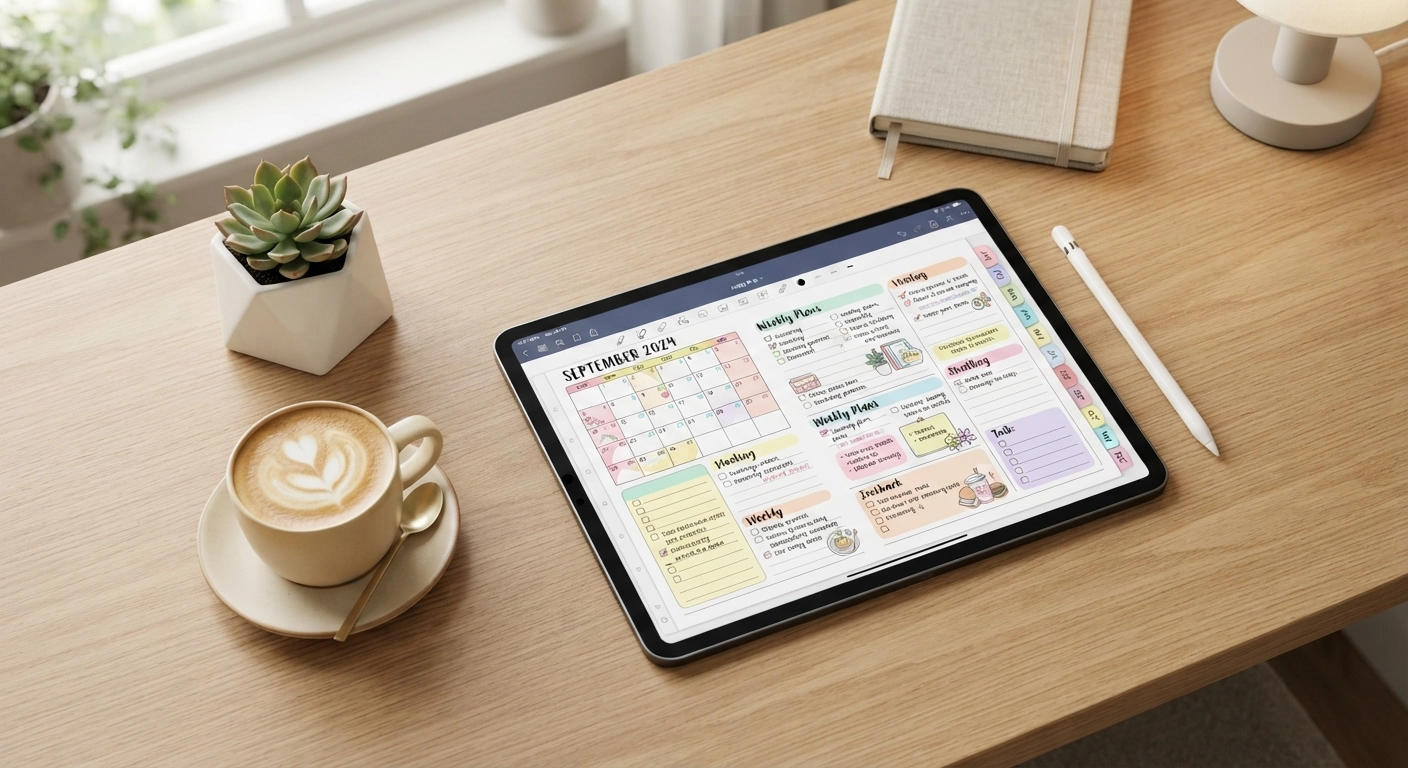
Before we dive into the technical details of how to make digital planners to sell, it is crucial to understand why this business model is so powerful. Unlike physical products that require constant material sourcing and shipping logistics, a digital planner is created once and sold infinitely.
The Power of 95% Profit Margins
When you sell a physical item, your profit margin is eaten up by raw materials, packaging, and shipping fees. With a digital planner, your only ongoing costs are Etsy’s minimal listing fees (around $0.20 per listing) and transaction fees. This means you keep roughly 90-95% of every sale. If you price your planner at $15 and sell 100 copies a month, that is $1,500 in nearly passive income.
The Shift Toward Paperless Organization
In 2026, consumers are more eco-conscious and tech-savvy than ever. The rise of tablets like the iPad Pro and Samsung Galaxy Tab, combined with powerful annotation apps like Goodnotes and Notability, has created a massive audience eager for digital stationery. People want the tactile feel of handwriting combined with the convenience of cloud syncing and endless customization.
💡 Looking to diversify your Etsy shop? While digital products are amazing for passive income, combining them with high-margin physical crafts can skyrocket your brand. Check out our comprehensive guide on DIY Crafts to Make and Sell: 10 Profitable Ideas for 2026 to explore hybrid business models!
2. Finding Your Profitable Niche: What Buyers Actually Want
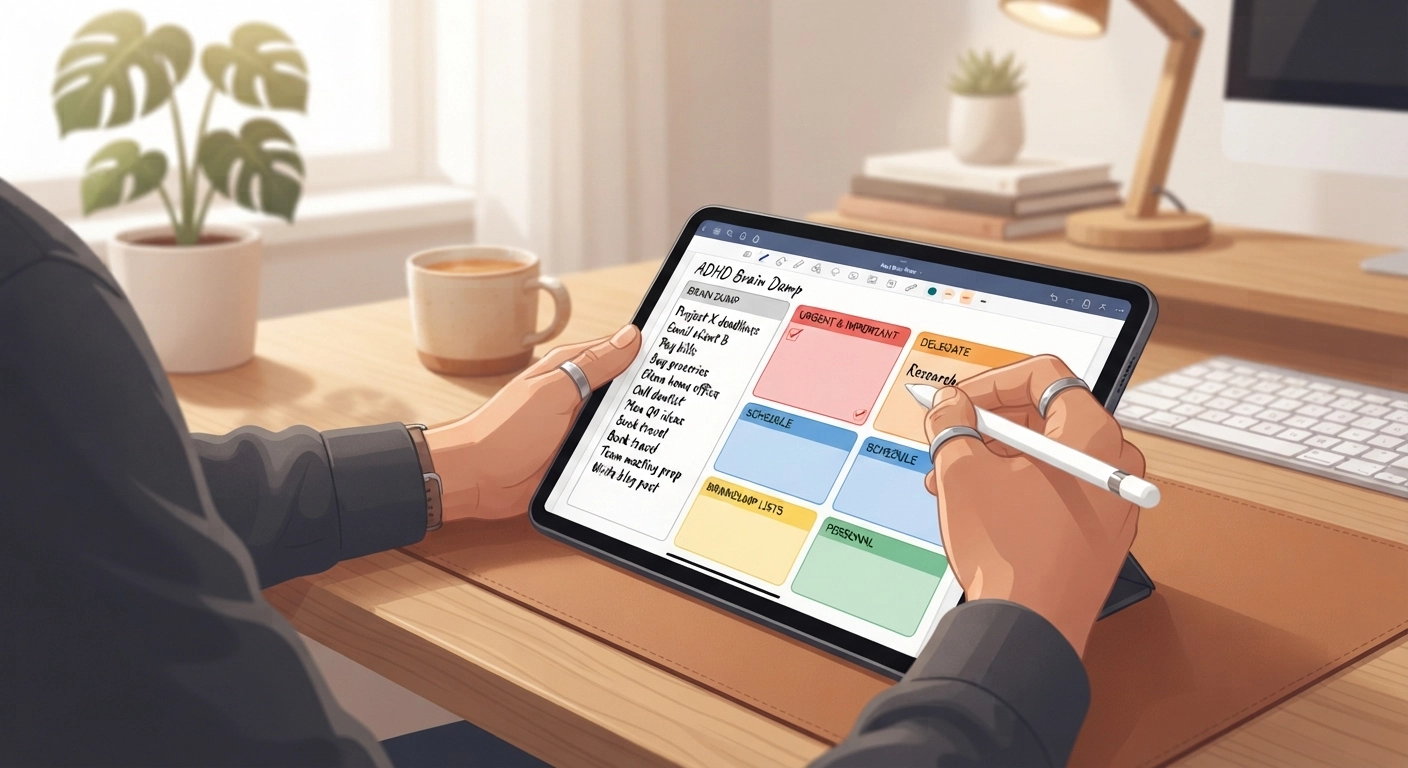
The biggest mistake beginners make when figuring out how to make digital planners to sell is creating a “generic daily planner.” The market for basic planners is saturated. To succeed in 2026, you must niche down and solve a specific problem for a specific type of person.
Top Trending Niches for 2026
Based on current market data and Etsy search trends, here are some of the most profitable planner niches right now:
- ADHD & Neurodivergent Planners: Designed with visual simplicity, dopamine-driven reward trackers, and flexible, undated layouts to reduce overwhelm.
- Freelancer & Small Business Finance: Planners that include tax trackers, client management pages, and invoice logs.
- Health & Wellness Trackers: Beyond just weight loss, these focus on holistic health, somatic tracking, meal prep, and mental health check-ins.
- Content Creator & AI Productivity: Planners tailored for YouTubers, TikTokers, and bloggers to track content pillars, AI prompt libraries, and posting schedules.
Creating an Ideal Customer Avatar
Before you design a single page, ask yourself: Who am I making this for? If your target audience is a busy college student, your planner needs robust assignment trackers and semester overviews. If it is a new mom, meal planning and self-care checklists are essential. Understanding your buyer is the foundation of how to make digital planners to sell successfully.
3. Essential Tools: What You Need to Create Your Planners
You do not need an expensive graphic design degree to master how to make digital planners to sell. In fact, some of the most successful Etsy sellers use incredibly accessible software. Here is a breakdown of the best tools available in 2026.
Canva: The Beginner’s Best Friend
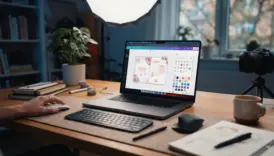
Canva is the go-to platform for beginners. It is web-based, highly intuitive, and offers thousands of pre-made graphics. You can easily create pages, add text, and most importantly, insert the hyperlinks required for digital planners. The Pro version is highly recommended for accessing premium fonts and commercial-use elements.
Apple Keynote: The Hidden Gem
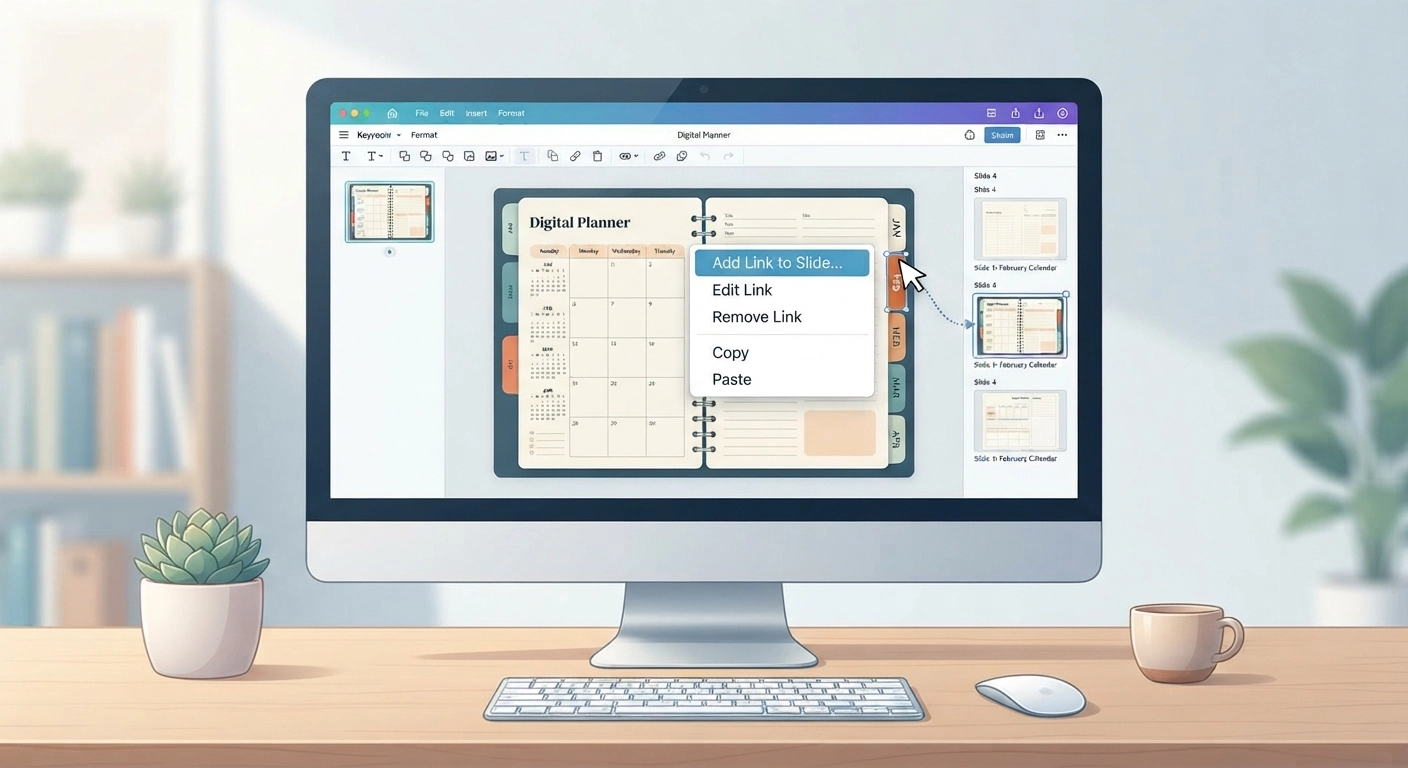
Believe it or not, Apple Keynote (the Mac equivalent of PowerPoint) is one of the most powerful tools for creating digital planners. It is free for Mac users, handles master slides beautifully, and makes creating clickable tabs incredibly efficient. Many top sellers swear by Keynote because it exports hyperlinked PDFs flawlessly.
Affinity Publisher & Adobe InDesign: For the Pros
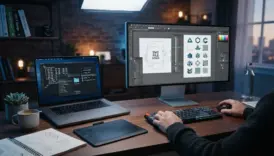
If you are serious about scaling your business and want absolute precision, Affinity Publisher or Adobe InDesign are the industry standards. They have a steeper learning curve, but they allow for complex master pages, automated date generation, and superior file size management.
4. Step-by-Step: How to Make Digital Planners to Sell
Now we reach the core of the process. If you want to know exactly how to make digital planners to sell, follow this step-by-step framework. We will use the concept of a tablet-optimized interactive PDF.
Step 1: Set Up Your Document Size
Digital planners are meant to be viewed on screens, usually iPads or Android tablets. The standard aspect ratio is 4:3. Set your document dimensions to 1536 x 2048 pixels (for portrait) or 2048 x 1536 pixels (for landscape). This ensures the planner fits perfectly on a tablet screen without annoying black bars.
Step 2: Design the Base and Tabs
The hallmark of a premium digital planner is its realistic look.
- The Binder: Create a background that looks like an open book or leather binder. You can use subtle drop shadows to create a 3D effect.
- The Tabs: Draw rounded rectangles along the right side or top of your planner. These will act as your navigation buttons (e.g., Jan, Feb, Mar, Index, Notes).
- Master Pages: Use your software’s “Master Slide” or “Parent Page” feature. Place your binder background and tabs on the master page so they automatically appear in the exact same spot on every single page of your planner.
Step 3: Adding Hyperlinks (The Secret Sauce)
A digital planner without hyperlinks is just a boring PDF. Learning how to hyperlink is the most critical part of how to make digital planners to sell.
- Select the shape or text you want to make clickable (e.g., the “January” tab).
- Right-click and select “Add Link” or “Hyperlink.”
- Choose “Link to Slide” or “Link to Page” and select the corresponding January monthly spread.
- Repeat this for every tab on your master page. Because they are on the master page, the links will work globally across the entire document!
🌿 Setting the right mood for your product photography? When it comes time to take aesthetic photos of your iPad displaying your new planner, your background matters. Get inspired by our guide on Easy DIY Room Decor Aesthetic: 15 Minimalist Ideas for 2026 to create the perfect photo staging area!
5. Testing and Compressing Your Digital Files
Once your design is complete and all 300+ pages are hyperlinked, you must export the file as a PDF. But your job isn’t done yet. A massive part of understanding how to make digital planners to sell is ensuring the customer has a flawless technical experience.
The 20MB Etsy Limit
Etsy has a strict file size limit of 20MB per upload. Digital planners, especially those with high-resolution graphics and thousands of hyperlinks, can easily exceed 50MB.
To fix this, use a free PDF compressor tool like ILovePDF or Adobe Acrobat’s “Reduce File Size” feature. Make sure you test the compressed file to ensure the images haven’t lost quality and the hyperlinks still work perfectly.
The “Start Here” Document Strategy
If your file is still too large, or if you are offering a bundle with stickers and multiple planner variations, use the “Start Here” PDF method.
Upload your heavy planner files to a cloud service like Google Drive or Dropbox. Then, create a simple, beautifully designed 1-page PDF in Canva that says “Thank you for your purchase! Click here to download your files.” Upload this lightweight PDF to Etsy.
6. Etsy SEO, Mockups, and Pricing Strategy
You have created a masterpiece. Now, how do you get people to buy it? Mastering Etsy’s algorithm is the final puzzle piece in learning how to make digital planners to sell.
Creating Scroll-Stopping Mockups
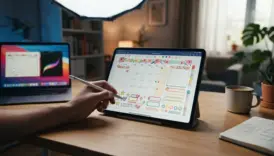
Digital products are invisible. You have to make them look tangible. Buyers need to visualize how the planner will look on their device. Create stunning mockups showing your planner on an iPad, complete with an Apple Pencil and aesthetic background props. You can buy pre-made Photoshop mockup templates or use Canva’s Smartmockups feature.
Optimizing Your Titles and Tags (Etsy SEO)
Etsy is a search engine. If you name your product “Cute Planner,” no one will find it. You need to use long-tail keywords that buyers are actually typing into the search bar.
Instead of “Cute Planner,” use: “ADHD Digital Planner 2026, Goodnotes Undated Life Planner, iPad Student Organizer, Neurodivergent iPad Template.”
Make sure to use all 13 tags provided by Etsy, and ensure your main keywords are in the first 40 characters of your title.
Pricing Your Digital Planner
In 2026, the sweet spot for a high-quality, hyperlinked digital planner on Etsy is between $9.99 and $24.99. Do not underprice your work at $2.99. Low prices often signal low quality to buyers. Price your planner at $19.99, and occasionally run a 20% off sale to create urgency.
7. Marketing Your Digital Planners Beyond Etsy
Relying solely on Etsy’s internal traffic is a rookie mistake. To truly scale your business and master how to make digital planners to sell, you need to drive external traffic to your shop.
Pinterest: The Visual Search Engine
Pinterest is the absolute best platform for marketing digital planners. Create long, vertical pins (1000 x 1500 pixels) showcasing different pages of your planner. Use videos showing you flipping through the digital tabs on your iPad. Because Pinterest is a search engine, pins live forever and can drive traffic to your Etsy shop months or even years after you post them.
TikTok and Instagram Reels
Short-form video is incredibly powerful for digital stationery. Film top-down videos of you writing in your digital planner, planning out your week, or demonstrating how the hyperlinks work. Use trending audio and use text overlays like “How I organize my chaotic life on my iPad.”
🕯️ Craving a hands-on craft? Sometimes staring at a screen all day can be exhausting. If you want a creative break that can also turn into a profitable side hustle, read our step-by-step guide on how to make easy scented candles: 7 Critical Steps You Must Know in 2026.
Conclusion: Start Your Digital Empire Today
Learning how to make digital planners to sell is one of the most rewarding skills you can acquire in 2026. It requires an upfront investment of your time and creativity, but the payoff is a truly scalable, passive income stream. By choosing a specific niche, designing intuitive hyperlinks, creating scroll-stopping mockups, and optimizing your Etsy SEO, you are setting yourself up for long-term success.
Stop overthinking it. Open up Canva or Keynote today, design your first master page, and take that exciting first step toward building your digital product empire!
Ready to expand your creative skills even further?
If you love the idea of creating beautiful things, why not try your hand at physical paper crafts? Check out our How to Make Paper Flowers: Step-by-Step Guide for Beginners and add a beautiful handmade touch to your workspace!
Frequently Asked Questions (FAQ)
Do I need an iPad to create a digital planner?
No, you do not need an iPad to design the planner. You can design the entire PDF on a Mac or PC using Canva, Keynote, or Affinity Publisher. However, having an iPad and an Apple Pencil is highly recommended for testing your planner in apps like Goodnotes before selling it to customers.
Can I use Canva’s free elements to sell my planner?
Yes, but you must be careful. If you use Canva, you can only sell designs that incorporate their elements if you significantly alter them to create a unique composition. You cannot just sell a single Canva graphic as your own. Always double-check Canva’s commercial licensing terms for 2026.
How much money can I really make selling digital planners?
Income varies wildly based on your niche and marketing efforts. Beginners might make $50-$200 a month, while established sellers with optimized SEO and strong Pinterest marketing easily clear $5,000 to $15,000+ per month in passive income.
What is the difference between a digital planner and a printable planner?
A printable planner is a standard PDF designed to be printed on physical paper. A digital planner is an interactive PDF designed specifically for tablet annotation apps. Digital planners feature clickable hyperlinks (tabs) that allow the user to jump instantly between months, weeks, and daily pages.
What happens if a customer doesn’t know how to use the planner?
This is a common issue! The best way to handle this is to include a comprehensive “Instruction Guide” PDF with every purchase. Include step-by-step screenshots on how to import the file into Goodnotes, how to activate “Read-Only” mode to use hyperlinks, and how to write on the pages. Excellent customer service leads to 5-star reviews!
Is the digital planner market too saturated in 2026?
The market for “generic” planners is very crowded. However, the market for highly specific, niched-down planners (e.g., “Digital Planner for Traveling Nurses” or “Digital Pet Health Tracker”) is wide open. If you solve a specific problem for a specific audience, you will find buyers.